

0 item(s)
View cart
You have no items in your shopping cart.
Last Updated: September 7, 2026
A cloud access control system is a security platform that manages entry permissions and credential authentication through cloud-hosted software rather than on-site servers. The global access control market is valued at USD 12.72 billion in 2026 and is projected to reach USD 26.22 billion by 2034, according to Fortune Business Insights' 2026 access control market report. Security directors are moving away from door controllers bolted to server racks and toward subscription-based models that centralize management across every site.
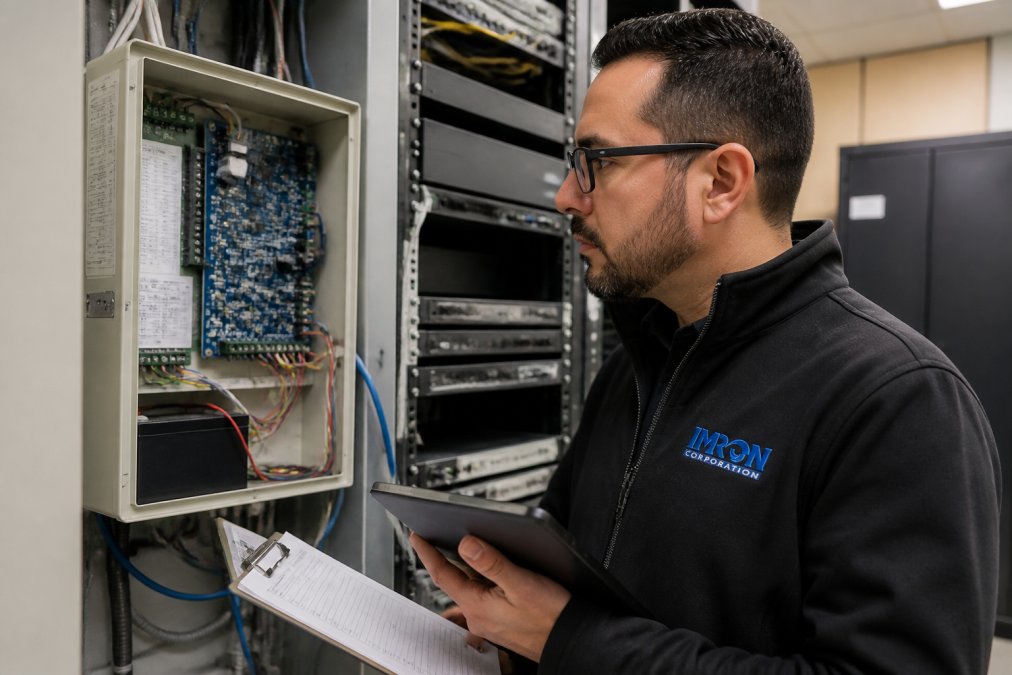
At IMRON Corporation, we have spent nearly three decades building security software, and the cloud transition is the most significant architectural change we have witnessed. With cloud-based access control, you manage credentials, audit trails, and door schedules through a centralized dashboard. Firmware updates push automatically, user provisioning happens in minutes, and new facilities are added without deploying new infrastructure.
Cloud-native architecture enables real-time monitoring, API integration with video management and HR systems, and the scalability that multi-site enterprises require. But before you commit, you need to understand how cloud systems differ from what you likely run today.
The core difference comes down to where your control plane lives. On-premises systems run management software on local servers, requiring your IT team to maintain hardware and apply patches. Cloud systems host that software off-site, with the vendor handling uptime reliability, security updates, and infrastructure scaling.
Factor |
Cloud Access Control |
On-Premises Access Control |
|---|---|---|
Deployment |
Vendor-hosted, browser-based |
Local servers and software |
Upfront Cost |
Lower, subscription-based model |
Higher, hardware and licensing |
Maintenance |
Vendor handles updates |
Internal IT responsibility |
Scalability |
Add sites via dashboard |
Purchase and configure servers |
Remote Access |
Native, from any location |
Requires VPN or additional setup |
Data Sovereignty |
Depends on vendor hosting region |
Full control on-site |
The trade-off is control versus convenience. On-premises gives you complete data sovereignty and works when your internet connection drops. Cloud systems deliver superior remote management and multi-site synchronization, but depend on network connectivity. Modern deployments increasingly use hybrid models, where door controllers operate locally with cloud-based management, ensuring doors still function during an outage.
Most organizations assume they must choose one or the other. The best cloud access control system architecture actually supports both, letting you keep legacy hardware on-site while managing everything through a unified cloud interface.
Modern cloud access control platforms share several non-negotiable capabilities. Mobile credentials have replaced physical cards as the standard entry method, with 2026 industry trends from Acre Security's access control trends analysis confirming touchless entry as a baseline security requirement rather than a premium add-on. Biometric authentication, including facial recognition, is increasingly common for high-security zones.
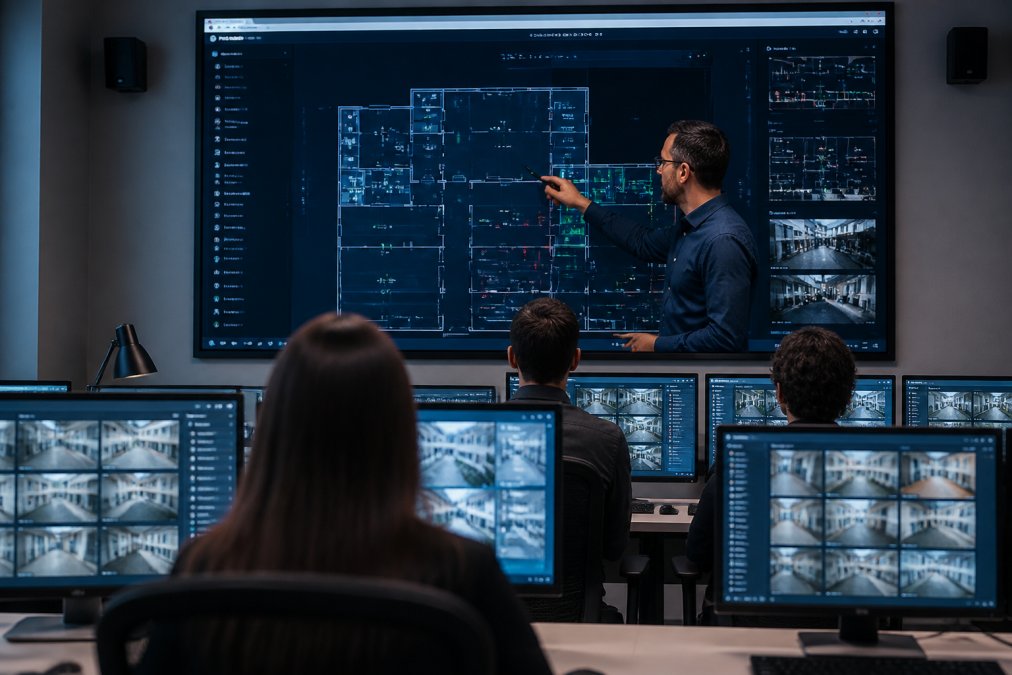
The features that separate enterprise-grade systems from basic offerings include:
What most guides miss is the importance of hardware interoperability. A truly open cloud access control system integrates with the door controllers, readers, and cameras you already own. This preserves your infrastructure investment and prevents vendor lock-in. The 2026 trend toward unified security systems from Avigilon confirms that integration capability is now the primary purchasing criterion for security directors.
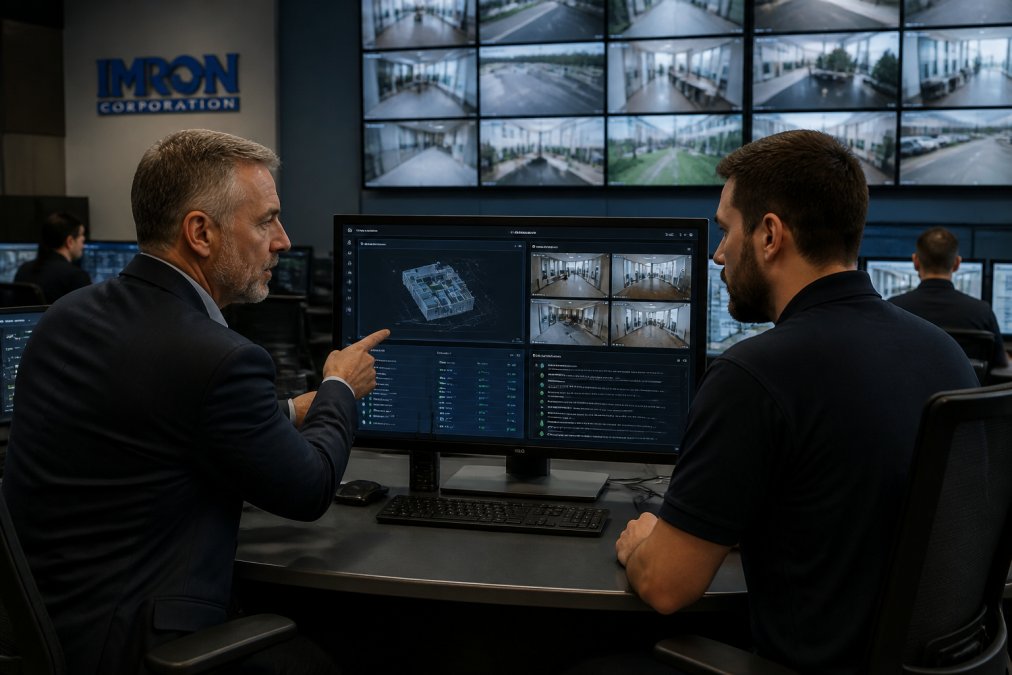
Running separate systems for access control, video surveillance, and visitor management creates operational blind spots. A unified security management platform converges these siloed technologies into a single interface.

At a multi-site enterprise, an incident at Building C requires checking the access control log, pulling video, and cross-referencing the visitor database. With three separate interfaces, this takes minutes. With a unified platform, the event appears once, with access history, video playback, and visitor records linked automatically.
When physical access control integrates with identity management and video analytics, you gain a complete picture of who is where and when. This visibility is essential for critical infrastructure facilities and campuses where threats cross physical and digital boundaries.
IMRON Corporation built UnityIS to address this fragmentation. Its open architecture integrates with leading access control hardware, cameras, and third-party technologies, so you modernize without rip-and-replace. Deployed across thousands of sites since 1997, UnityIS manages access control, video, intrusion detection, and visitor management from one platform, whether hosted in the cloud, on-premises, or in a hybrid configuration.
The shift to cloud introduces cybersecurity risks that physical security teams historically did not manage. The Cloud Security Alliance's "Top Threats to Cloud Computing" report for 2026 identifies inadequate identity and access management as one of the 11 most critical threats facing cloud environments. Exabeam projects that 80% of organizations will face data breaches due to identity drifts in 2026, where user permissions slowly become misaligned with actual roles.
Most vendor guides stop at generic advice like "enable MFA." What they miss is the compliance-driven architecture that enterprise buyers need. Here is how cloud access control maps to the frameworks your auditors will ask about.
SOC 2 Type II is the minimum trust signal for any cloud access control vendor. It audits five trust service criteria: security, availability, processing integrity, confidentiality, and privacy. For your deployment, verify these controls in the vendor's SOC 2 report (available under NDA):
Federal agencies and their contractors follow NIST SP 800-53. The relevant control family is IA (Identification and Authentication), which maps directly to cloud access control configuration:
If you manage access to facilities that handle protected health information (PHI), HIPAA's Physical Safeguards standard (45 CFR § 164.310) applies. Cloud access control helps you meet two specific requirements:
The most realistic threat to a cloud access control deployment is not a direct hack of the vendor's cloud, but a credential-phishing attack that compromises an administrator account. The attack chain looks like this:
MFA stops this chain at step 3, but only if enforced on every administrator account. A common pattern is MFA enabled for the primary admin but not for backup or service accounts. Audit your cloud access control tenant for any account that does not require MFA, including API keys and service integrations.
Your cloud access control system should sit on a segmented network, not the same flat network as your general IT systems. If an attacker compromises a workstation, they should not reach door controllers directly. Use VLAN segmentation or firewall rules to isolate the physical security network.
Zero trust principles apply: never trust, always verify. Each door controller should authenticate to the cloud platform using a unique certificate or token, so a compromised controller cannot pivot to others or the central management plane.
These questions separate vendors who treat security as a marketing page from those who build it into their architecture.
Most cost analyses compare sticker prices and miss the bigger picture. The real cost of a cloud access control system includes subscription fees, hardware, integration work, training, and ongoing support. Cloud access control typically uses a subscription-based model per reader or per door, shifting spending from capital expenditure to operating expense. modern video surveillance.
To make an apples-to-apples comparison, you need a total cost of ownership (TCO) model that projects costs over a five-year horizon, the typical refresh cycle for access control hardware.
Build your model with these line items for both cloud and on-premises scenarios:
Cost Category |
Cloud (Year 1) |
Cloud (Years 2-5) |
On-Premises (Year 1) |
On-Premises (Years 2-5) |
|---|---|---|---|---|
Software licensing |
Subscription per reader |
Same annual fee |
Perpetual license (one-time) |
Maintenance (15-20% of license annually) |
Server hardware |
$0 (vendor-hosted) |
$0 |
$15,000-$40,000 per site |
$0 (refresh at year 5) |
Door controllers |
$500-$1,500 per door |
$0 |
$500-$1,500 per door |
$0 |
Readers |
$200-$800 per door |
$0 |
$200-$800 per door |
$0 |
Installation |
$500-$2,000 per door |
$0 |
$500-$2,000 per door |
$0 |
IT labor for maintenance |
Minimal (vendor handles) |
Minimal |
10-20 hours/month per site |
10-20 hours/month per site |
IT labor for user provisioning |
5 min per user (automated) |
5 min per user |
30-60 min per user (manual) |
30-60 min per user |
Bandwidth upgrades |
$50-$200/month per site |
Same |
$0 (local only) |
$0 |
Training |
$2,000-$5,000 (one-time) |
$0 |
$2,000-$5,000 (one-time) |
$0 |
Compliance audit support |
Included in subscription |
Included |
$5,000-$15,000 per audit |
$5,000-$15,000 per audit |
Beyond the obvious line items, these costs frequently appear after deployment:
The most underappreciated line item is IT labor. On-premises systems require ongoing maintenance: patching the server OS, applying software updates, managing database backups, and troubleshooting network issues. At 10-20 hours per month per site, that is 120-240 hours annually. At a fully loaded IT cost of $75-$125 per hour, that is $9,000-$30,000 per site per year in hidden labor.
Cloud systems eliminate most of that burden. The vendor handles patching, uptime, and backups, dropping your IT team's involvement to initial setup and periodic user audits. For a 10-site organization, the labor savings alone can exceed $90,000 annually.
On-premises servers have a 5-7 year lifecycle. When they reach end-of-life, you face a capital expense of $15,000-$40,000 per site for replacement hardware, plus migration labor. Cloud eliminates this recurring capital cycle entirely, as your subscription fee covers the vendor's continuously refreshed infrastructure.
Door controllers and readers have a longer lifecycle, typically 10-15 years for quality hardware. A cloud access control system that supports open integration with existing hardware lets you defer replacement costs until the hardware genuinely fails, avoiding the forced refresh that accompanies most on-premises upgrades.
Consider a mid-size organization with 25 doors across 3 sites. Here is a representative five-year TCO comparison:
Cloud deployment (new hardware):
On-premises deployment (new hardware):
For organizations with existing access control hardware, the most cost-effective path is an open platform that integrates with current infrastructure rather than forcing replacement. If your door controllers support modern communication protocols (OSDP, Wiegand, or IP-based), a cloud platform can often manage them directly, deferring hardware costs by years.
UnityIS Access Control is priced at $450.00 as a service license, with video management and visitor management modules available at $600.00 each. This modular approach lets you pay only for the capabilities you deploy, avoiding the bundled pricing that inflates costs for features you never use.
Migrating from a legacy access control system to cloud does not require a weekend shutdown or mass hardware replacement. The key is a phased approach that maintains security coverage throughout the transition.
Start with an audit of your current infrastructure. Document every door controller, reader, credential type, and integration. Identify which hardware supports modern communication protocols and which is approaching end-of-life. This determines whether you can integrate existing hardware or need targeted replacements.
Phase one focuses on the management layer. Deploy your cloud platform alongside the legacy system, configuring it to communicate with existing door controllers where possible. This parallel run lets your team learn the new interface while the old system continues as a fallback.
Phase two migrates doors in groups. Begin with low-risk interior doors to validate configuration, then move to perimeter and high-security entrances. Maintain both systems' audit trails during this phase to retain complete access history.
Phase three decommissions the legacy server once all doors are operational on the cloud platform. Archive the old audit logs for compliance, then redirect user provisioning and credential management entirely to the new system.
The migration succeeds when your team owns the new platform. Choose a provider with an intuitive interface that your existing security staff can manage without specialized consultants, aiming for operational self-sufficiency.
Selecting a cloud access control system requires balancing security, scalability, and cost against your existing infrastructure and team capabilities. The market's projected growth to USD 26.22 billion by 2034, per Fortune Business Insights, reflects genuine demand, but not every platform delivers the open architecture and integration depth that multi-site enterprises need.
Start with your hardware inventory. A platform that integrates with your existing door controllers and cameras preserves capital and accelerates deployment. Prioritize cybersecurity features, including two-factor authentication, encryption, and automated user provisioning. Verify uptime reliability commitments and understand what happens to door access during network outages.
For organizations seeking to unify access control, video, and visitor management without vendor lock-in, IMRON Corporation's UnityIS platform offers an open-architecture solution deployable in cloud, on-premises, or hybrid environments. With nearly three decades of experience and deployments across thousands of sites, UnityIS centralizes management across your portfolio while protecting your infrastructure investments.
Discretionary Access Control (DAC) is a model where the owner of a resource decides who can access it. A practical example is a shared network folder where the creator sets individual permissions for each team member. In a cloud access control system context, DAC might appear as a facility manager granting a specific contractor access to a server room for one week. The owner retains full control over the permissions they assign.
A cloud-based system hosts the management software and data on the vendor's secure servers, accessed through a web browser. On-premises software runs on servers you own and maintain within your facility. The main differences are capital investment, staffing requirements, and remote management capability. Cloud systems shift costs to a subscription model and offload server maintenance, while on-premises offers direct control over data storage. Many organizations choose a hybrid approach.
Yes, but the ease of integration depends on the platform's architecture. An open-architecture platform like UnityIS is designed to connect with leading video management systems, cameras, and access control hardware without costly custom development. This protects your existing investment in cameras and door controllers. Before selecting a system, verify its certified integrations list to confirm it supports your specific hardware models and firmware versions.
Open-architecture platforms prevent vendor lock-in by using standard protocols to communicate with hardware from multiple manufacturers. This lets you choose the best door controller, reader, or camera for each location rather than being restricted to one brand's ecosystem. It also means you can replace a failed component with a different brand without reworking the entire system. For multi-site organizations, this flexibility is important for controlling long-term costs.
Reputable providers follow access control cybersecurity best practices, including encryption protocols for data in transit and at rest, two-factor authentication for administrators, and detailed audit trails. When evaluating systems, ask about their compliance certifications, such as SOC 2, and their data sovereignty options. For organizations with strict requirements, a hybrid deployment keeps sensitive data on-premises while using the cloud for remote management and reporting.
 IMRON Corporation